Most church audio teams are not struggling because their mixer is bad.
They are struggling because their workflow is messy 🥴.
Too many layers. Too many buttons. Too much clicking around. Too much stress during rehearsal and service.
That is why I built this layout 🔥
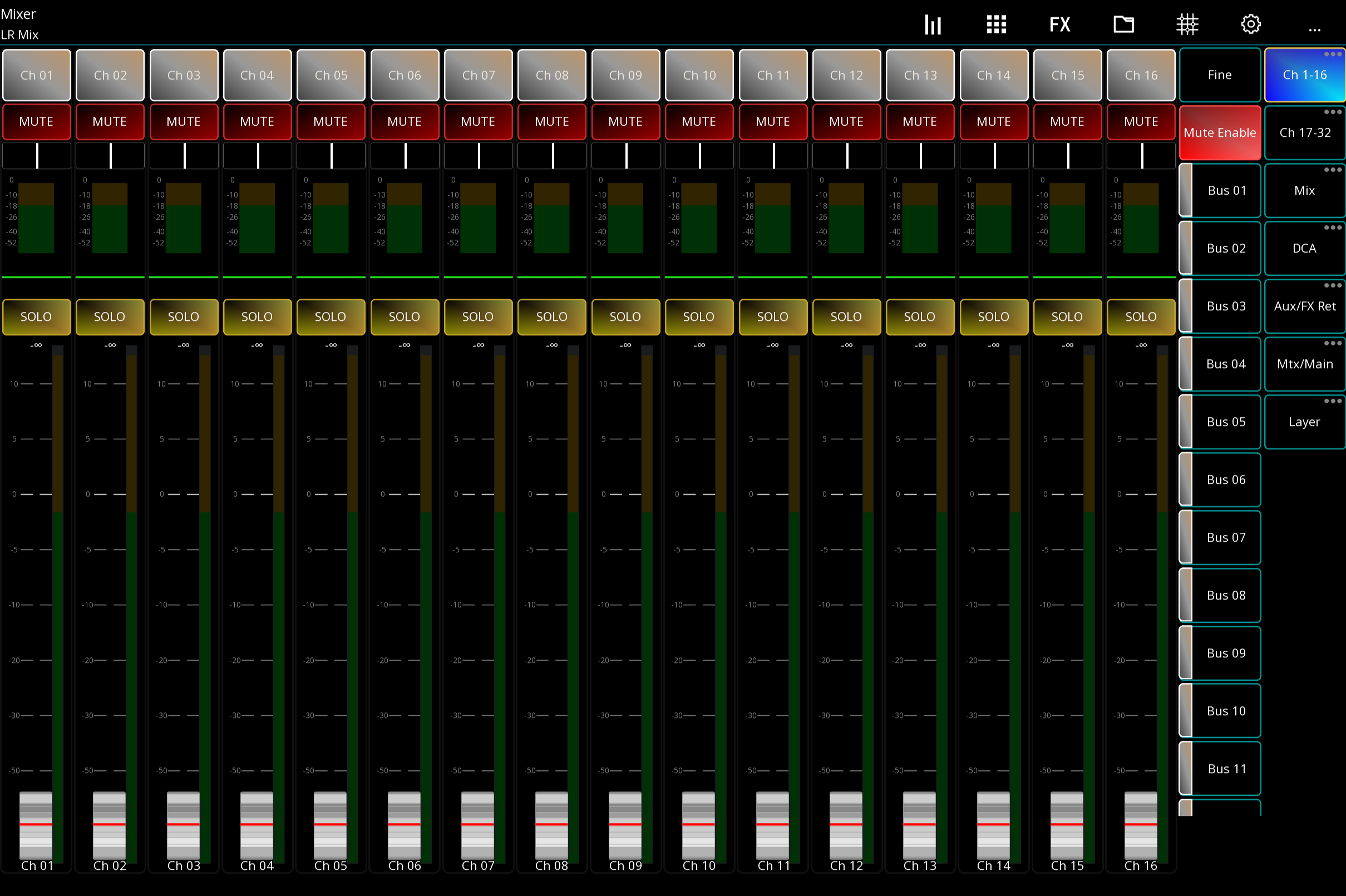
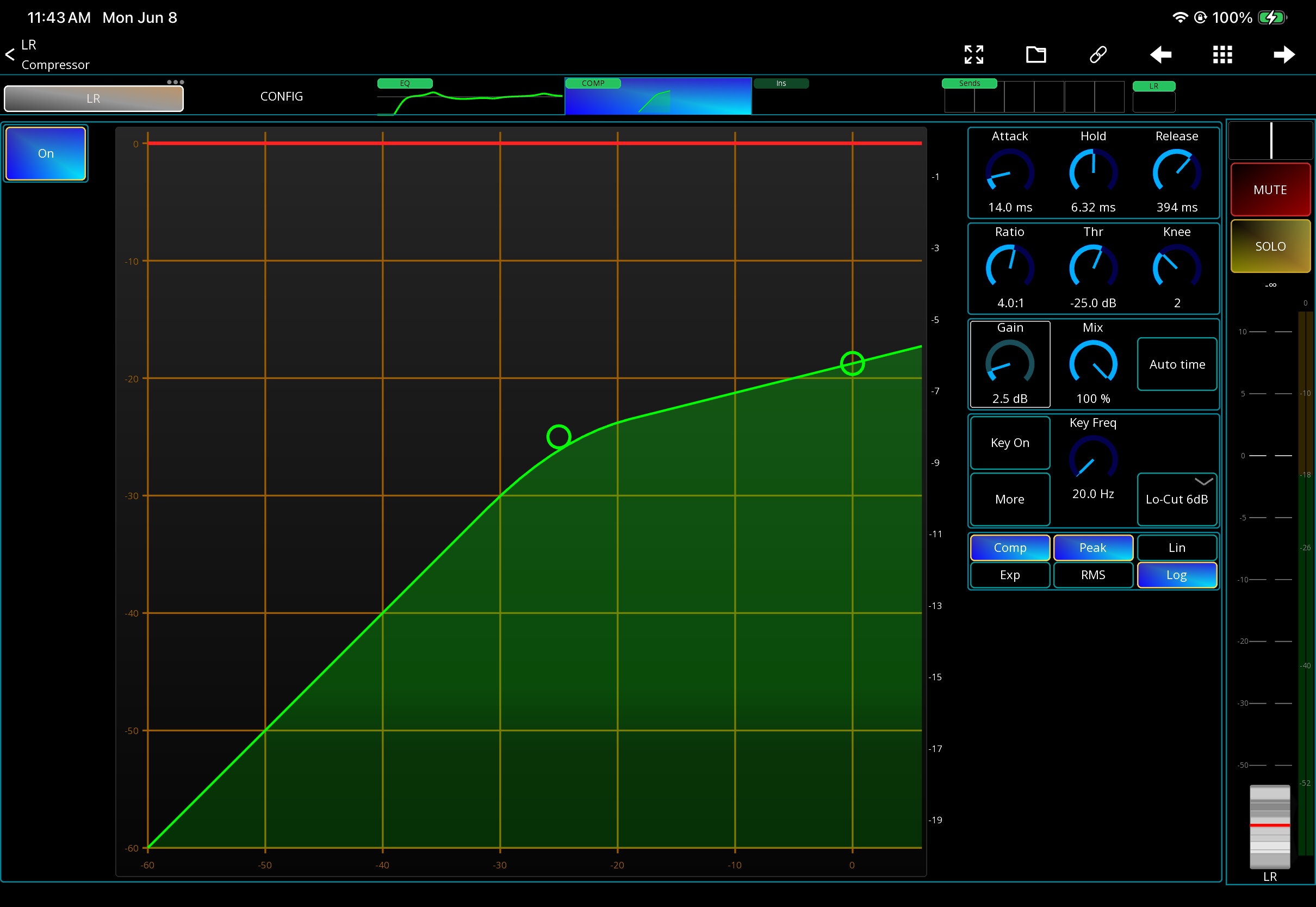
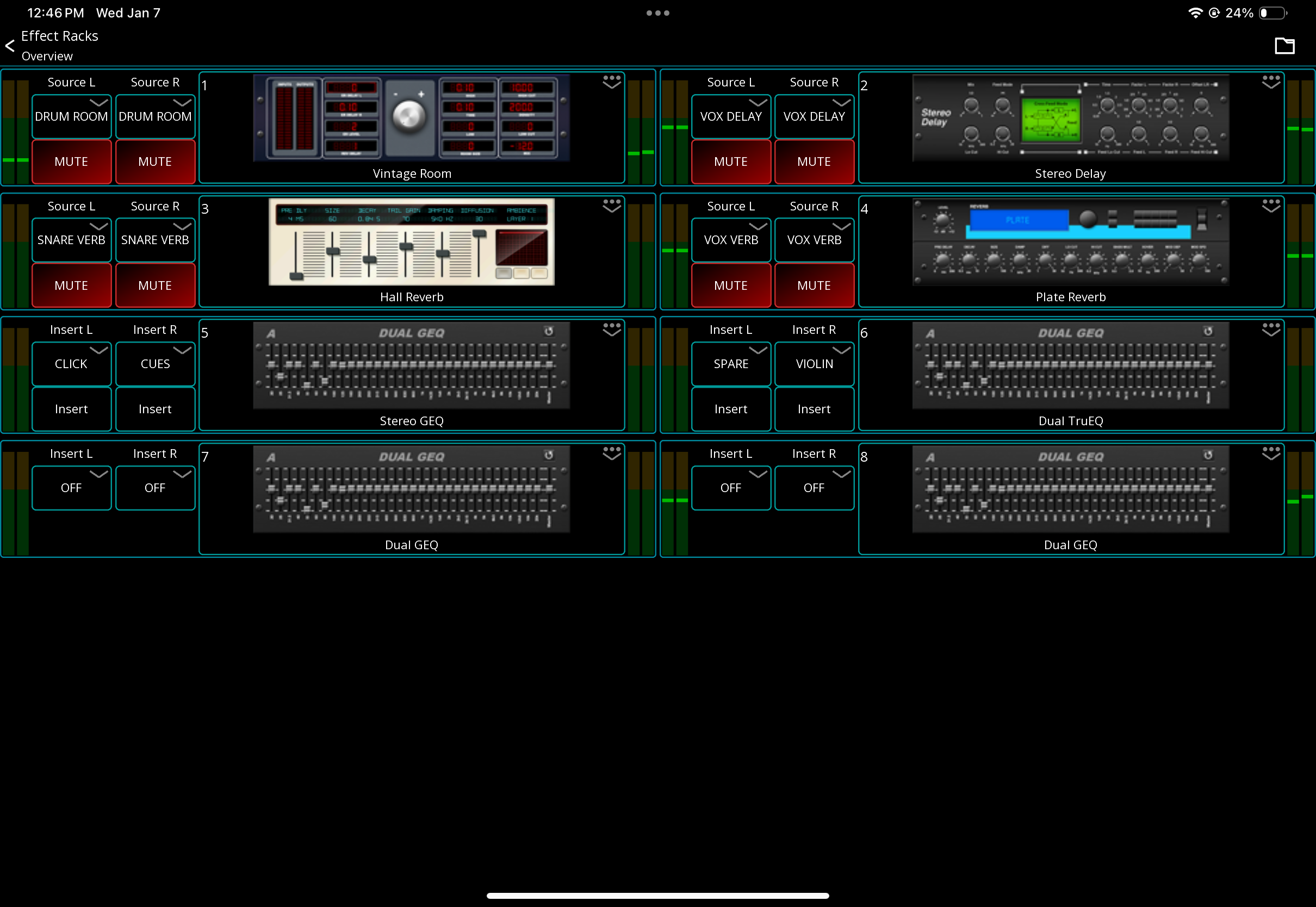
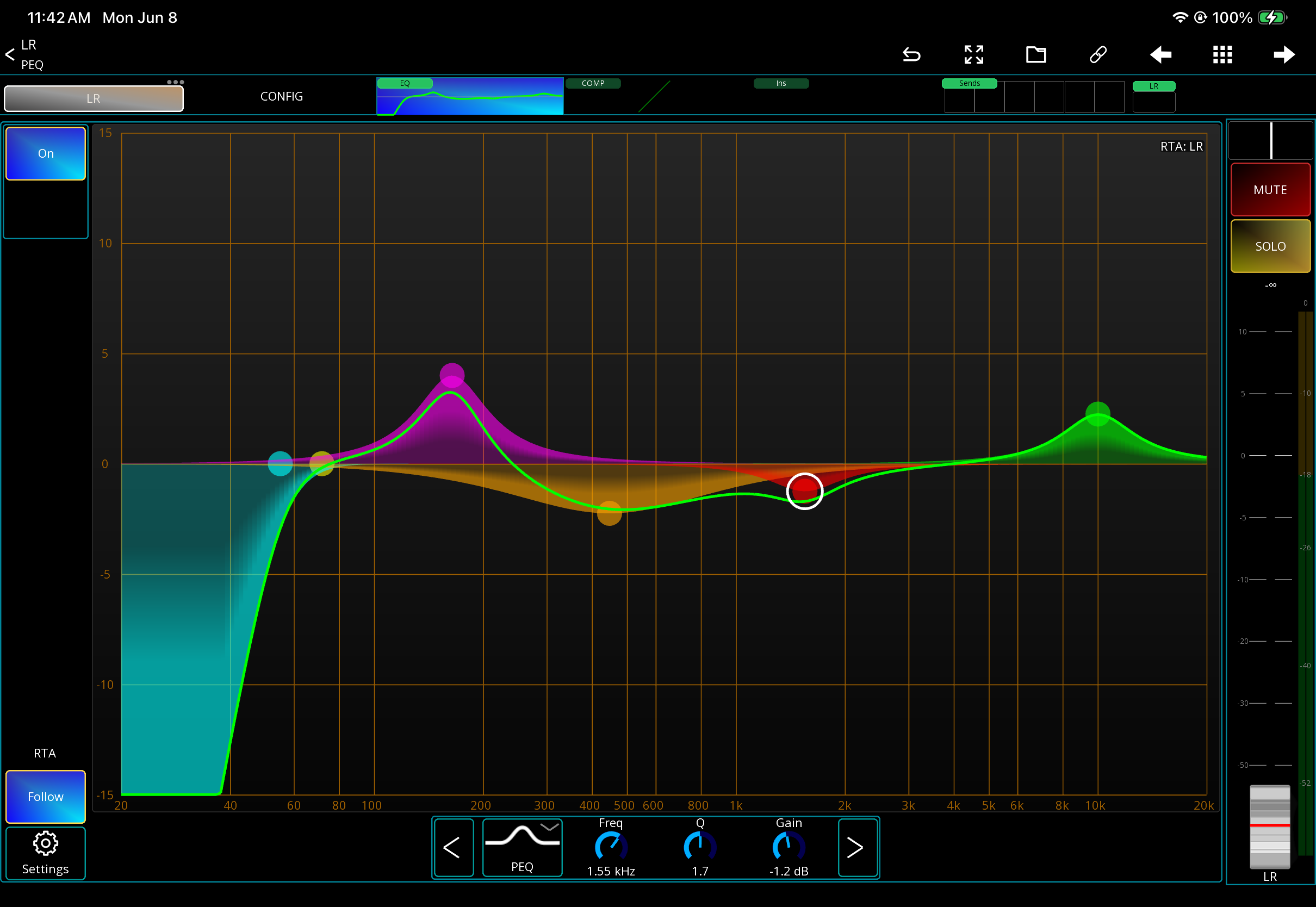
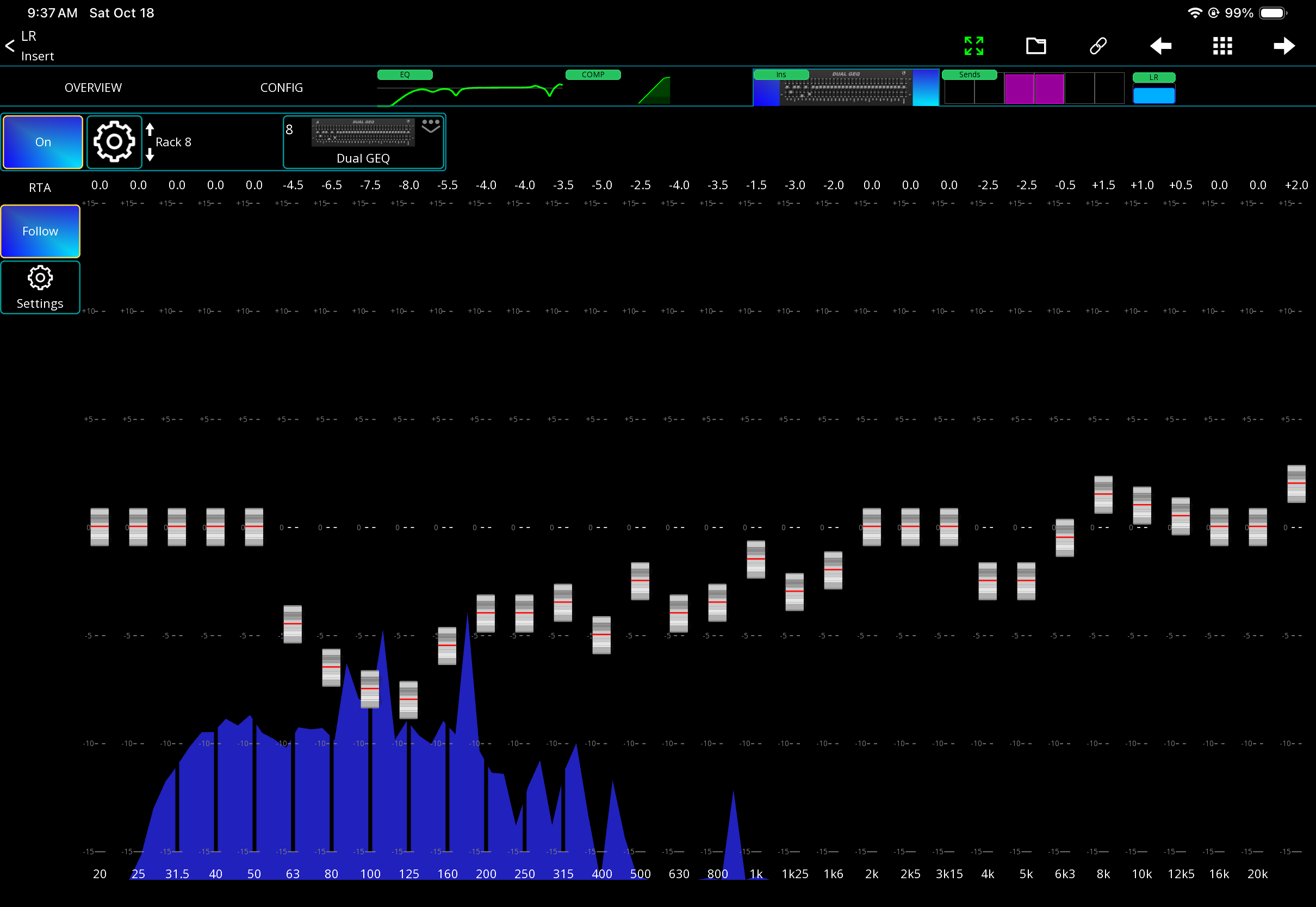
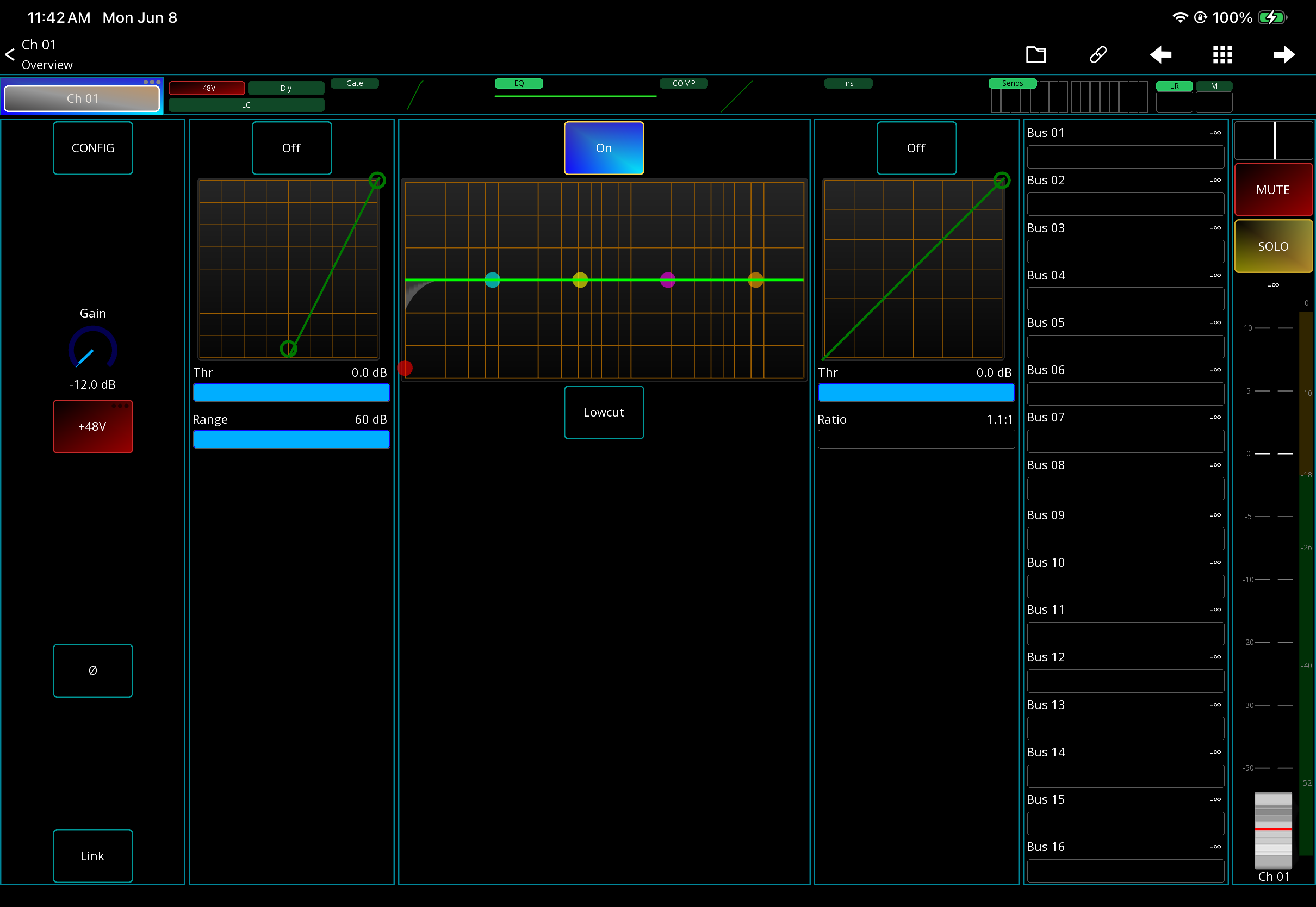
This is the exact Mixing Station layout I use to move faster, stay organized, and control the mix from a tablet without wasting time digging through menus.
It is made for church sound techs, volunteers, and audio teams who want Mixing Station to feel simple, clean, and easy to use.
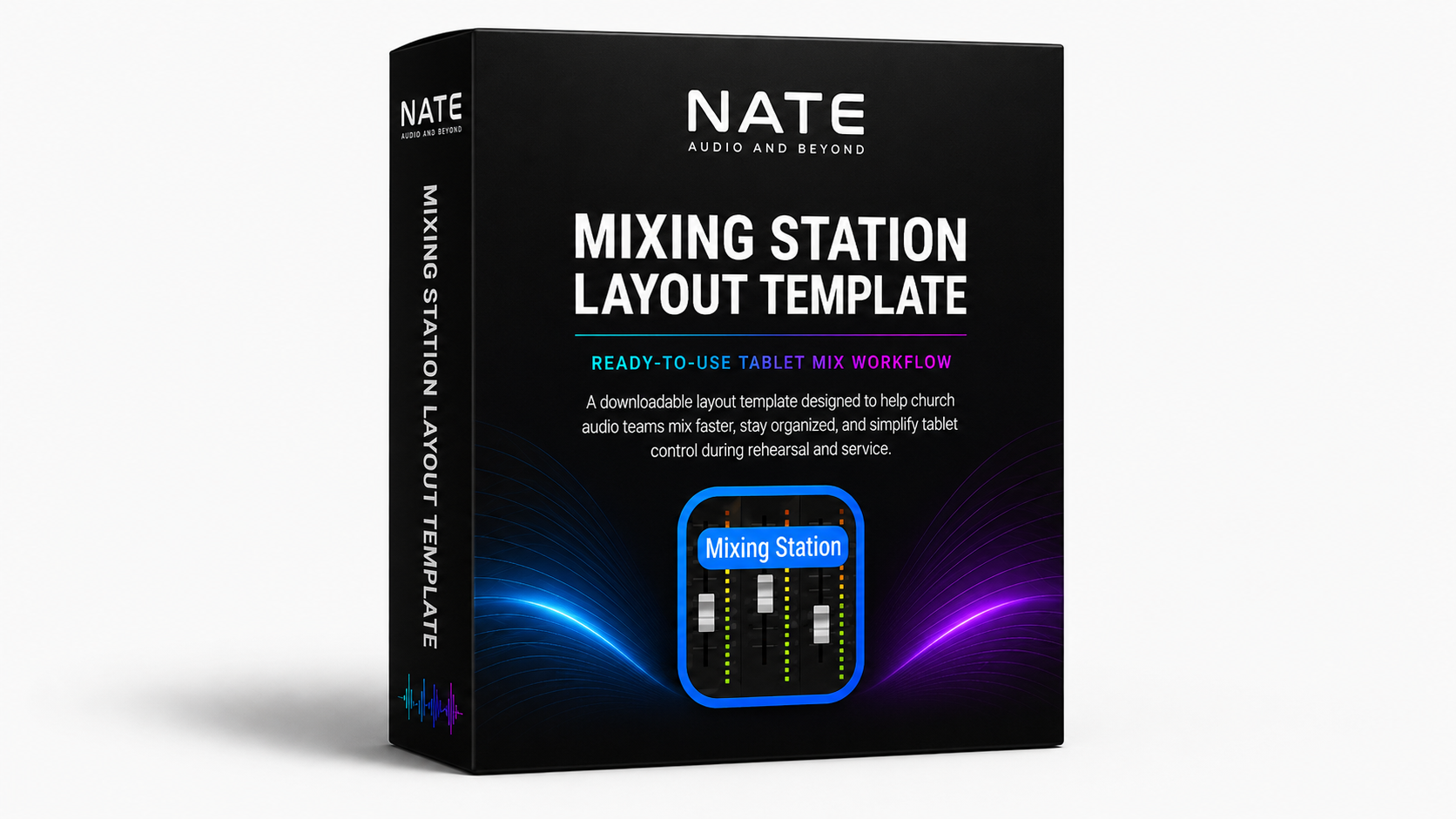
Instead of building your layout from scratch, you can download mine, load it into Mixing Station, and start with a layout that is already organized for real church services.
This template helps you:
🎚️ Mix faster from your tablet
⚡ Keep your most important channel info easy to reach
🧠 Stop wasting time jumping through layers
✅ Make your Mixing Station setup cleaner
👥 Give volunteers a simpler layout to follow
⛪ Stay focused during rehearsal, soundcheck, and service
This is not a full audio training course.
This is THE layout. 📲
The same kind of layout people keep asking me for when they see me using Mixing Station on social media.
Built for X32 and M32 users who want a better workflow without spending hours setting it up from scratch.
Compatible with Yamaha, Behringer, Allen&Heath, Sound Craft, QSC, Mackie, MIDAS, PreSonus, Tascam mixers.
Download it. Load it.
Start mixing with a cleaner setup. 🚀
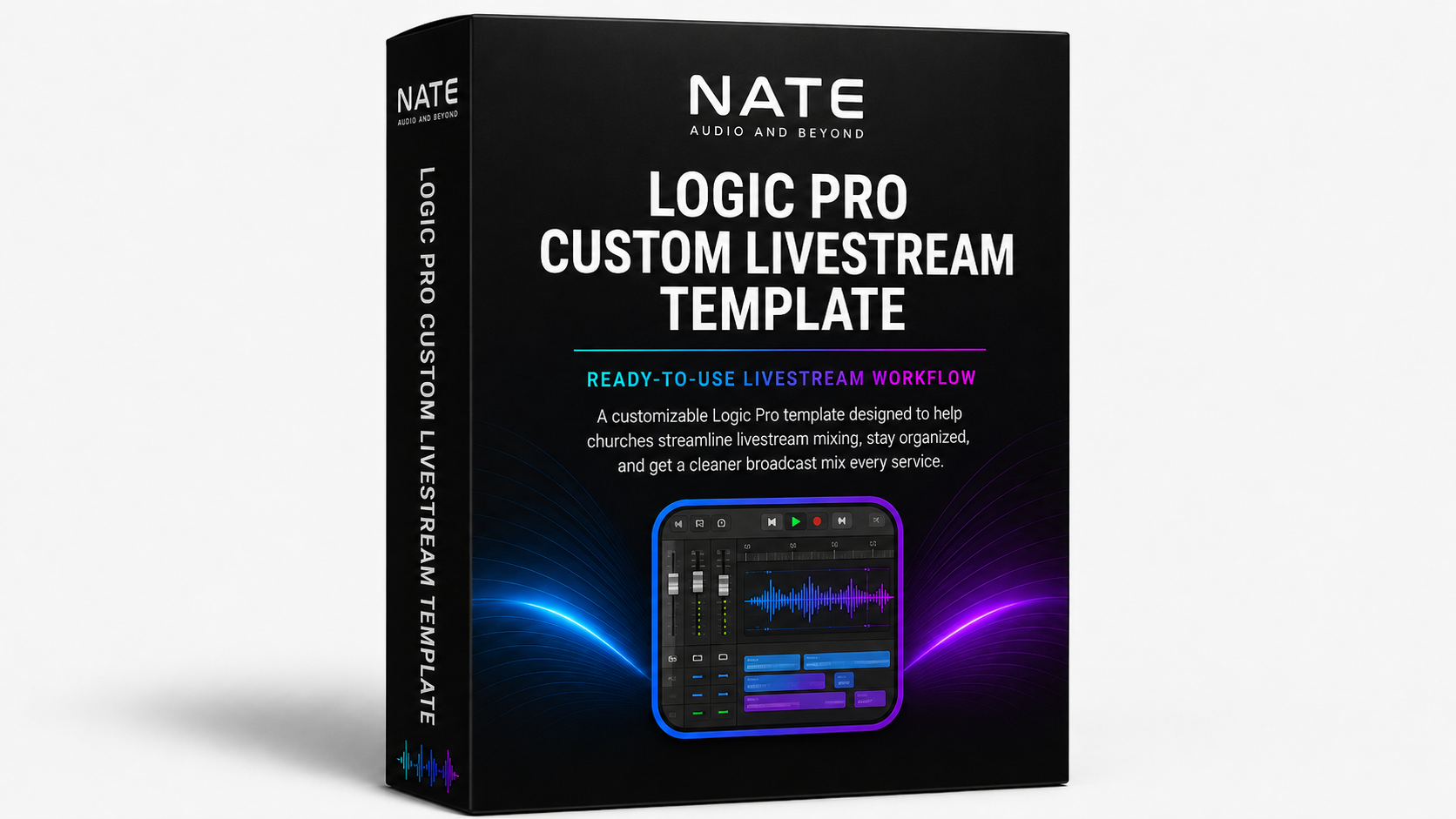
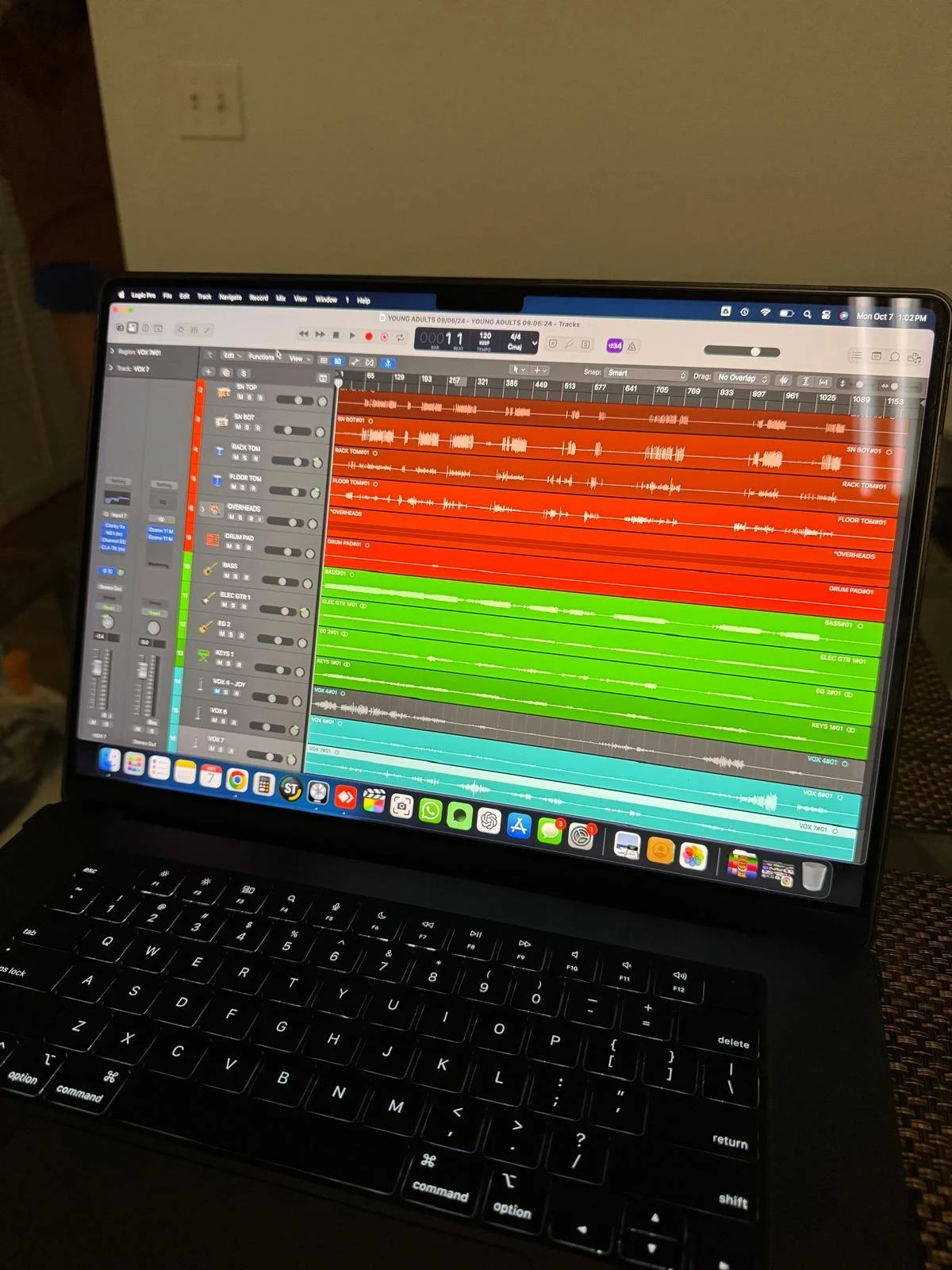
I will create a fully customized Logic Pro X session tailored to your church’s livestream workflow and the exact plugins you already have available—ensuring maximum compatibility, performance, and sound quality.
Session Design – Organized track layout for vocals, instruments, and broadcast audio, optimized for clarity and ease of use.
Routing & Processing – Pre-configured bus routing, EQ, compression, and effects chains for a polished, professional sound.
Mix Balancing – Custom settings based on your church’s worship style to ensure a balanced mix translation online.
User-Friendly Interface – Simplified labeling, color coding, and grouping for quick navigation by any volunteer.
Remote Setup Support – Guided remote session to install, test, and walk through the template with your team.
Take a listen :)
https://drive.google.com/file/d/1DFgxr7C3QVRWKgBL1R5oUVLCcYRsKmTY/view?usp=sharing
Delivered as a ready-to-use project file with setup instructions and one remote onboarding session included. Allow 3-7 days for delivery via email.
No results match your search. Try removing a few filters.
